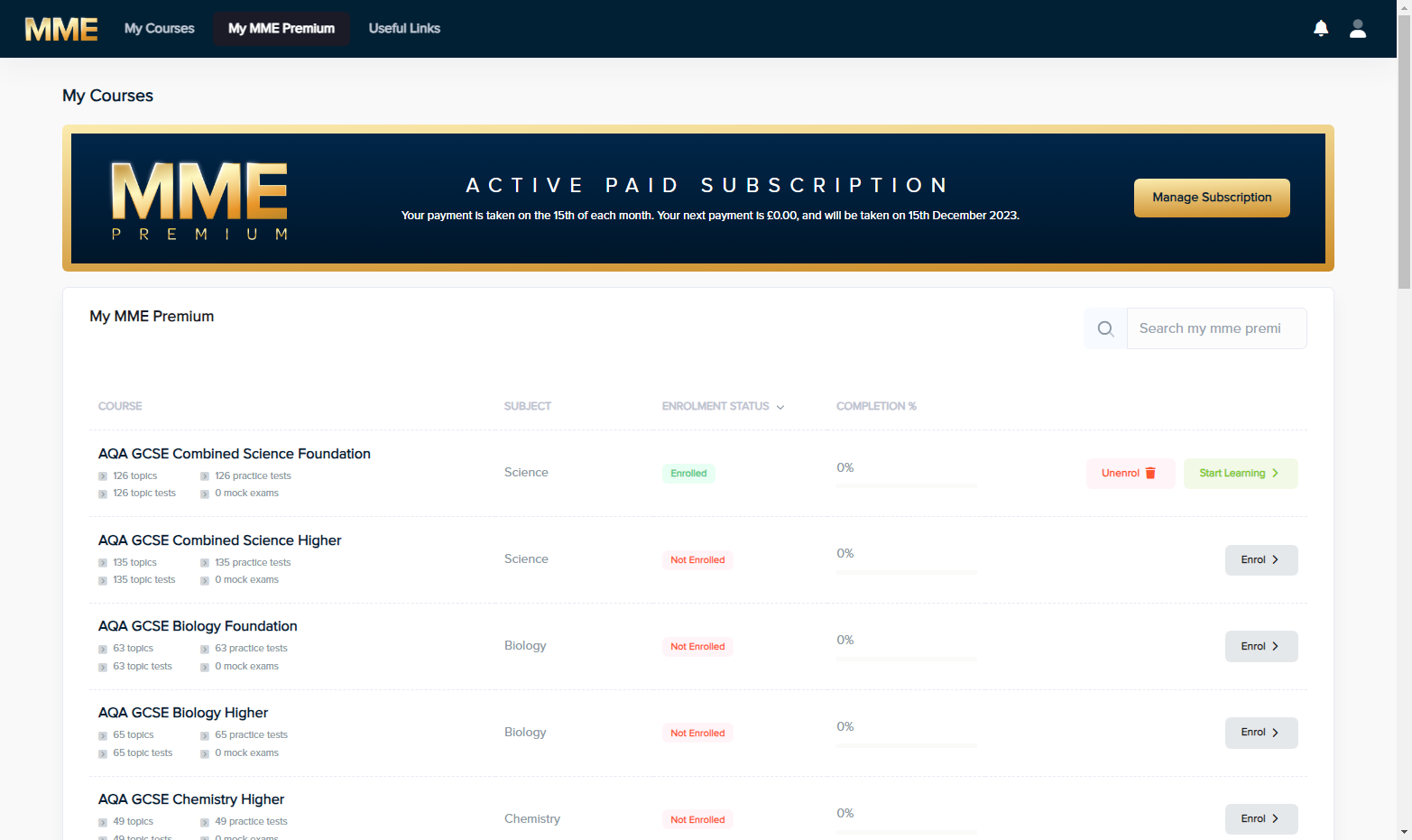
My Courses
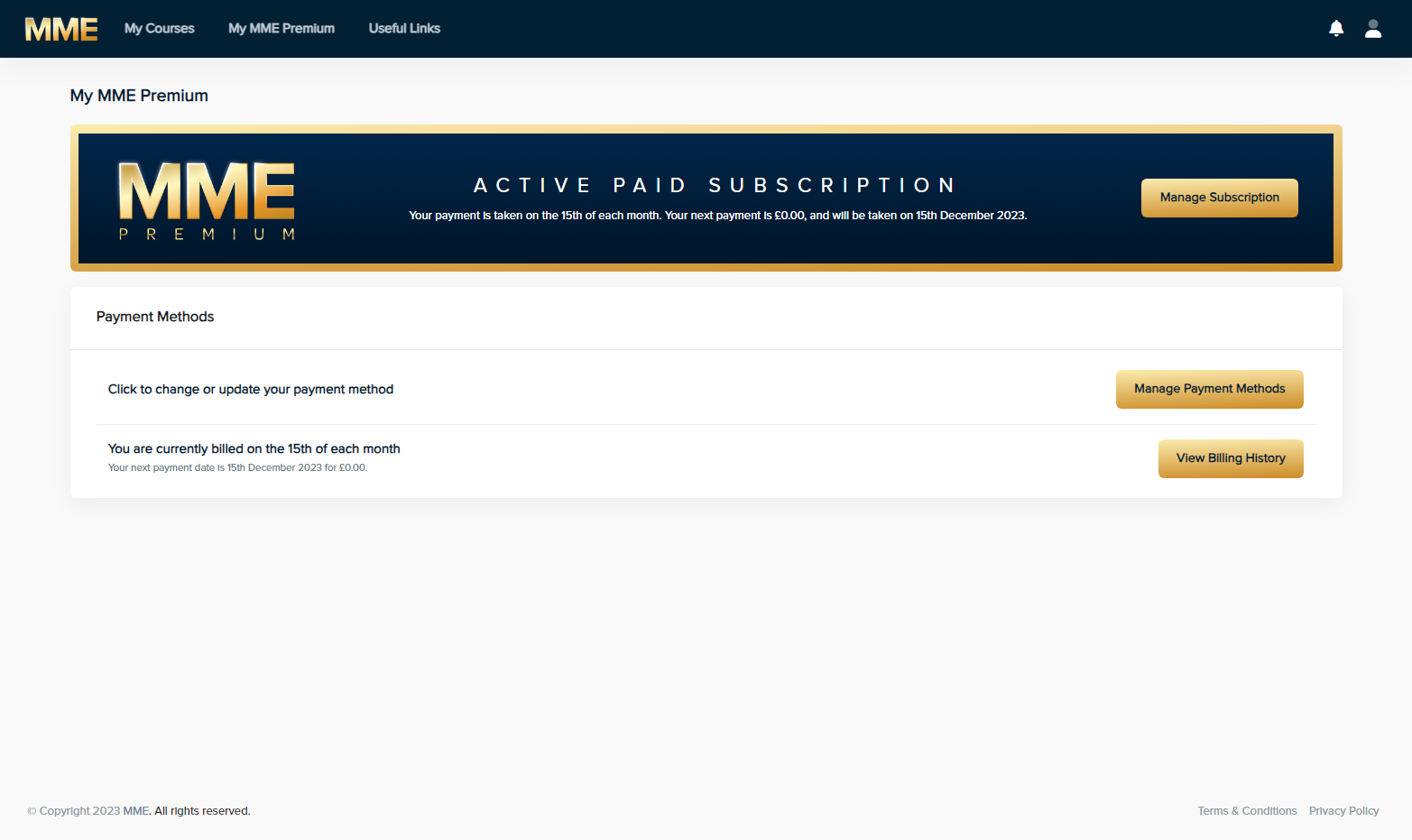
1. Click on My MME Premium
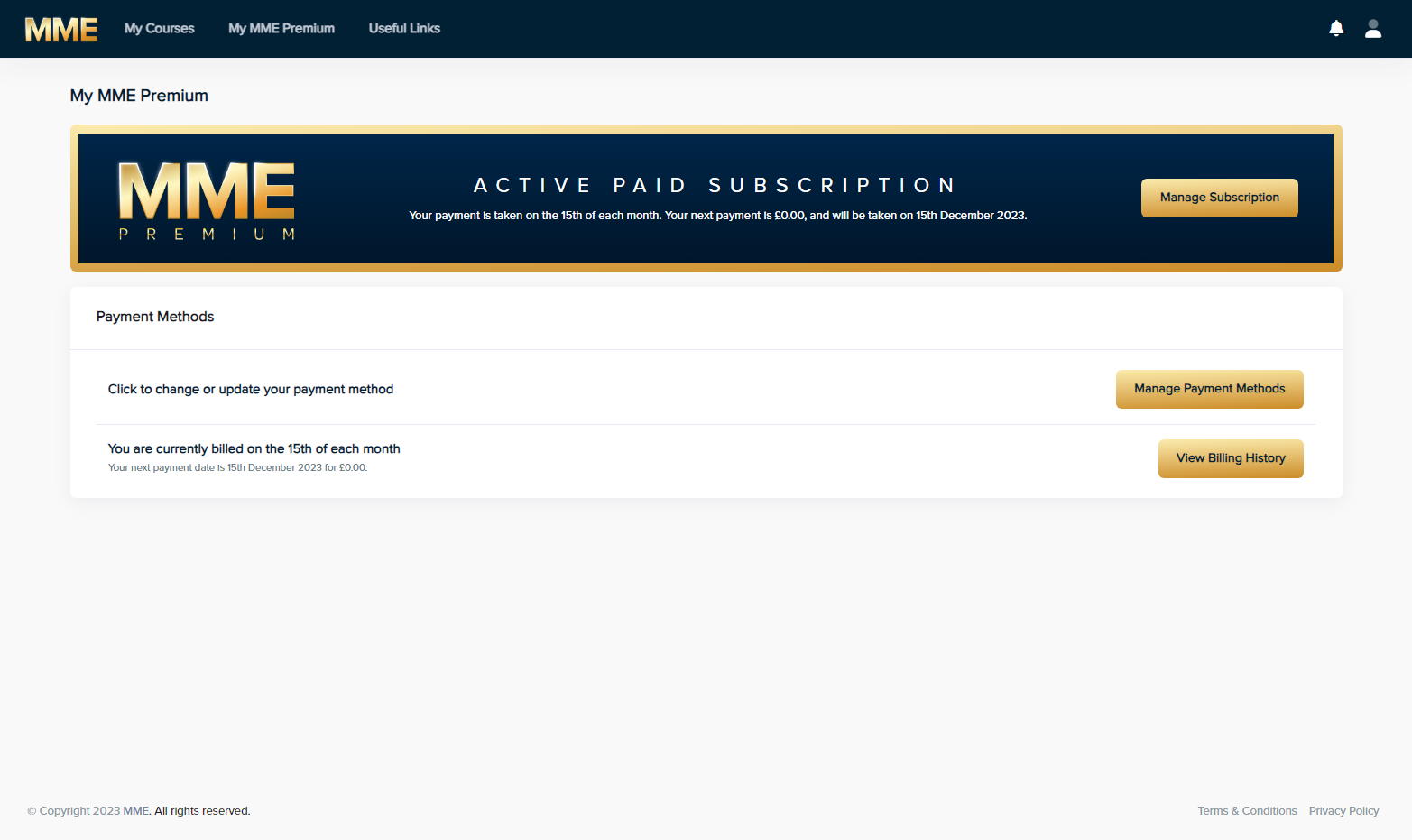
2. Click on Manage Payment Methods
3. Click on Edit Payment Method
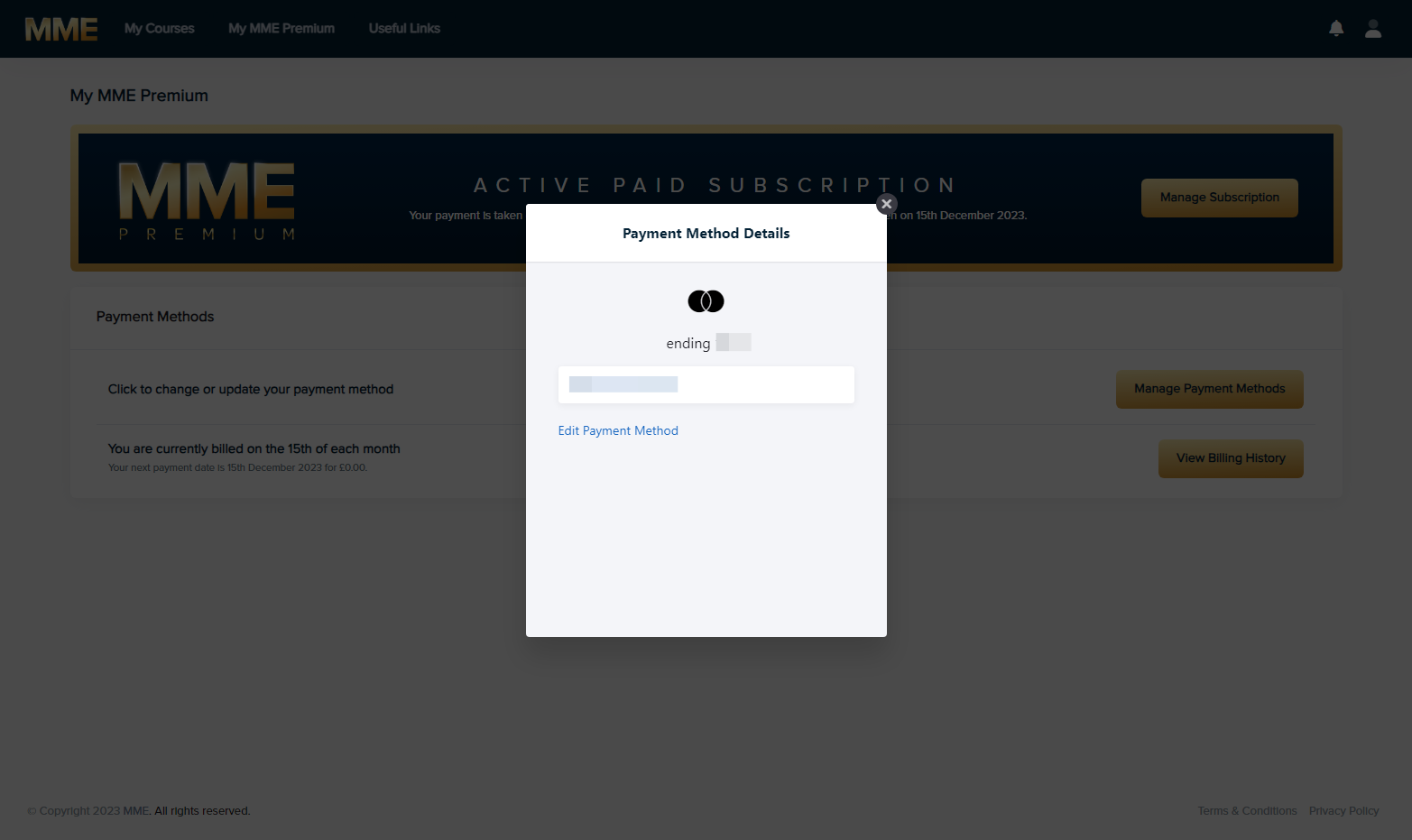
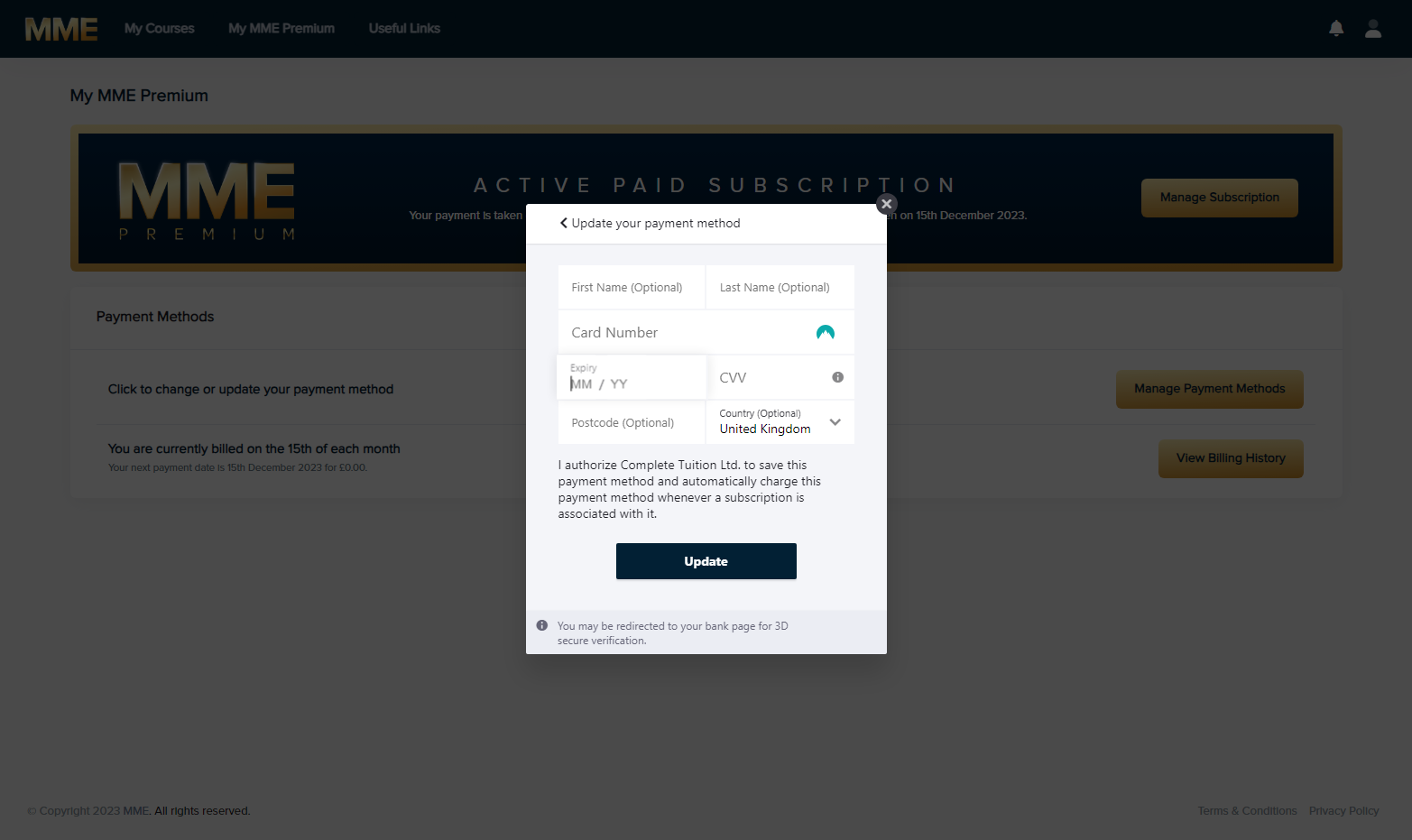
4. Update your payment details and then click update
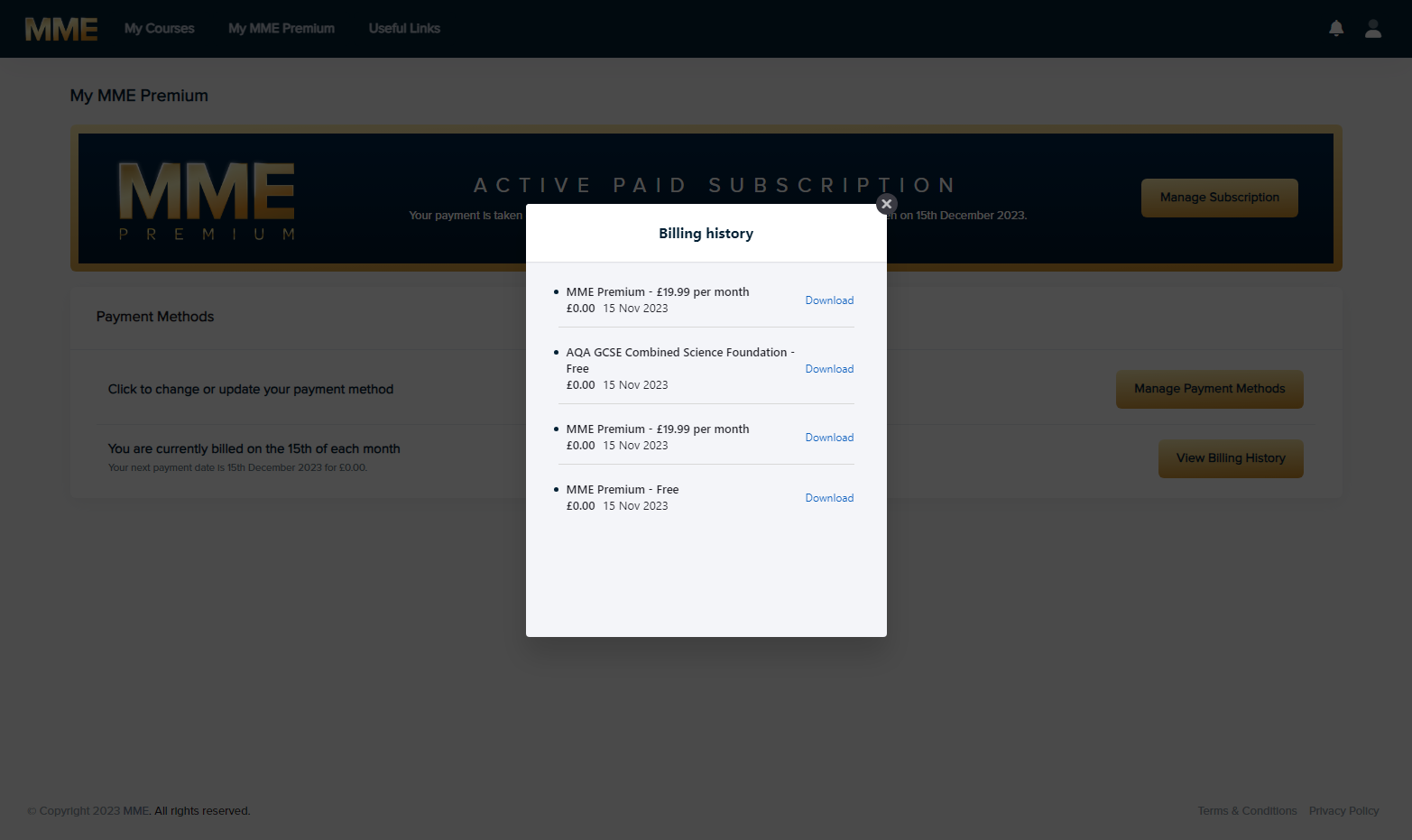
5. To view your billing history, click on View Billing History
6. Here you can see your recent billing history