My Courses
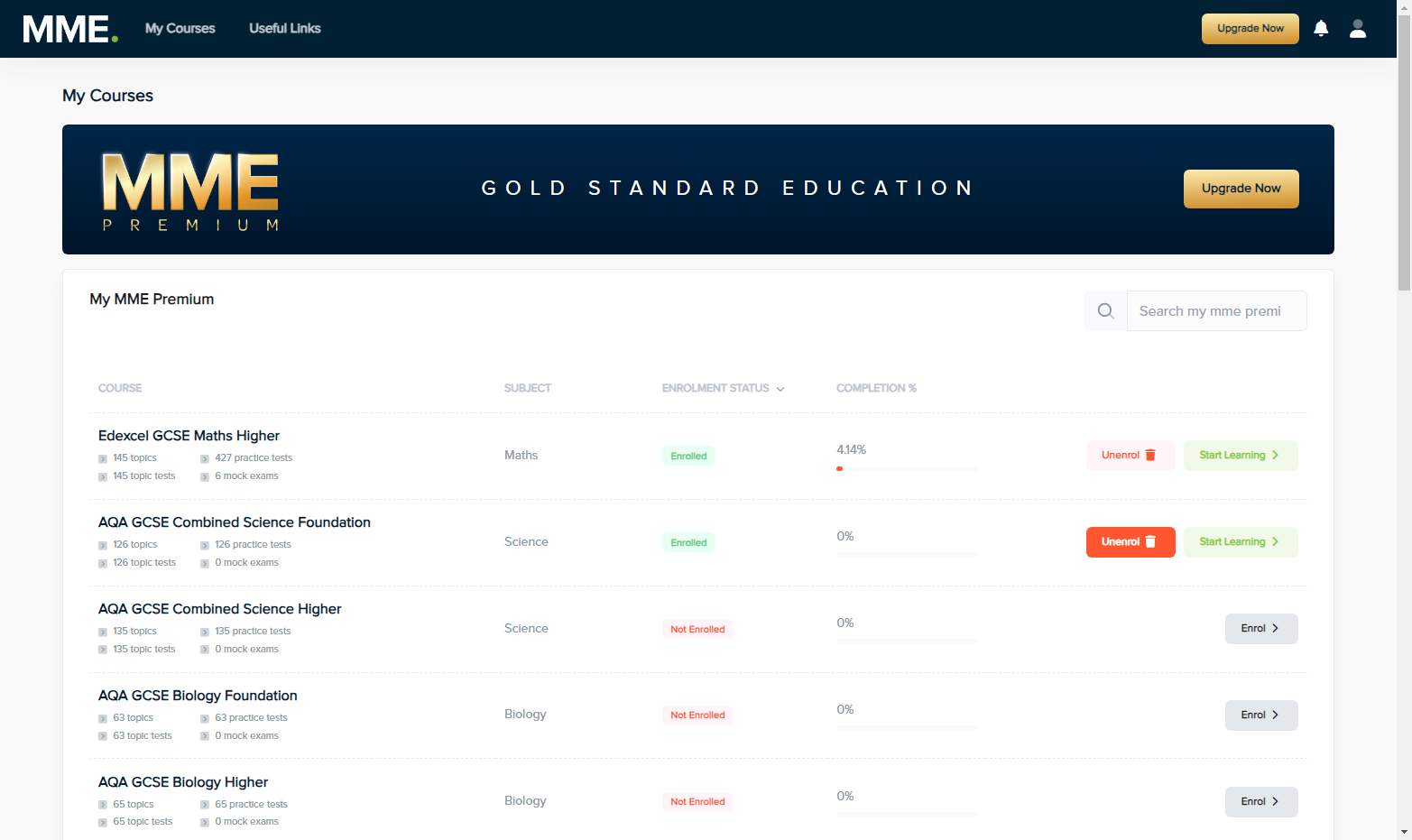
1. Click on Enrol next to the course you want to enrol on, on the My Courses section of the platform.
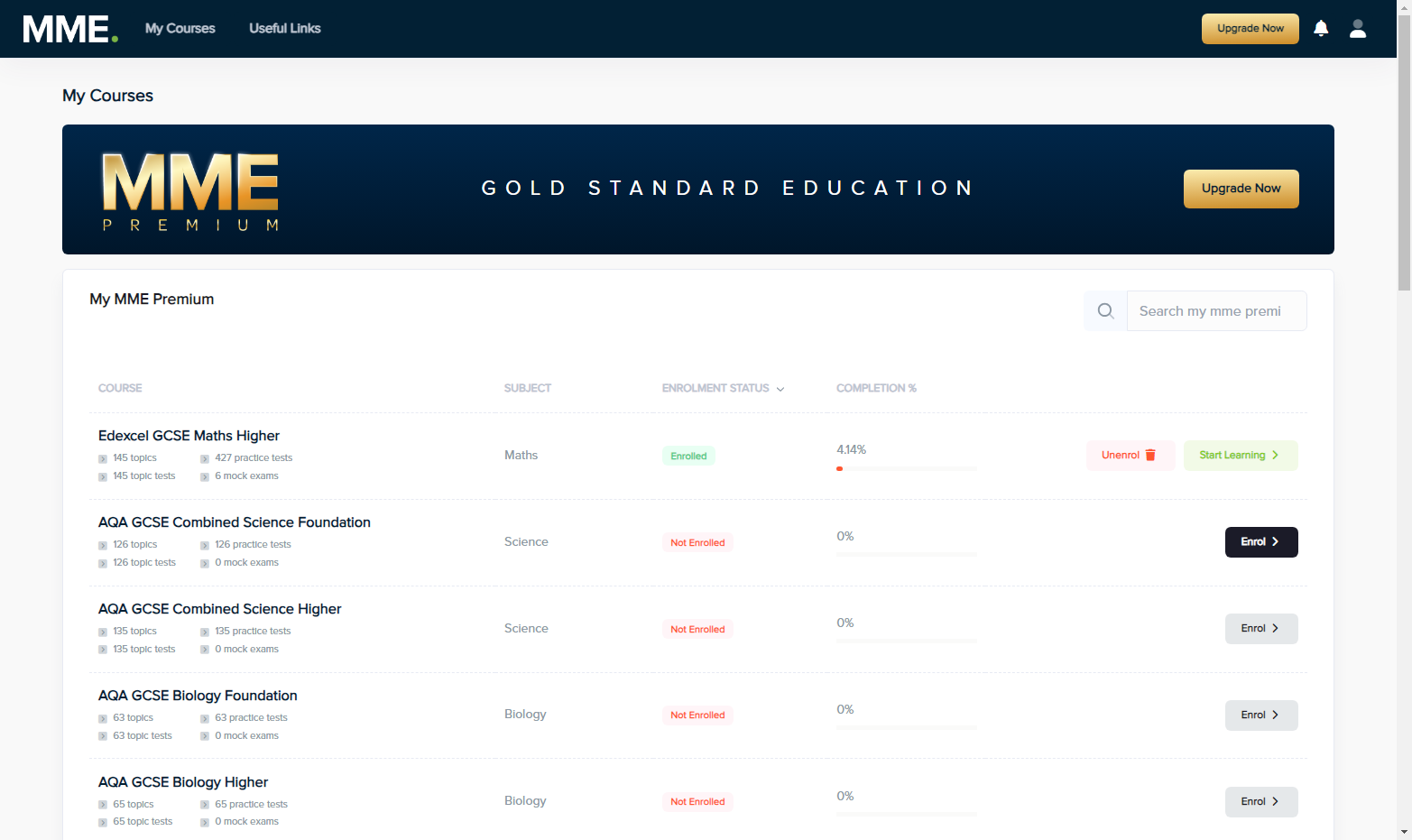
2. Now, you will have access to this course.
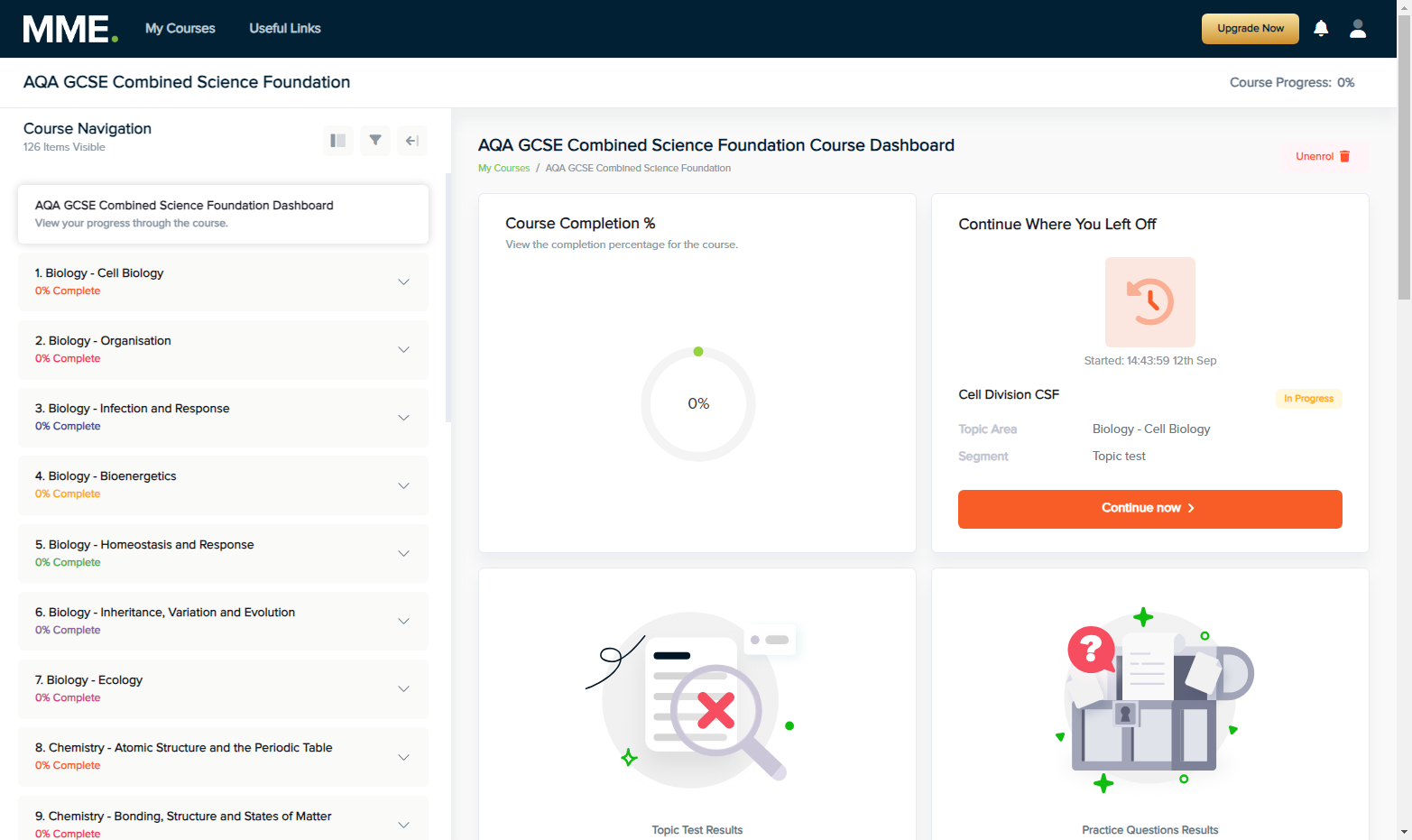
3. Now you have enrolled on the course, press the Start Learning button to access that course in the future.
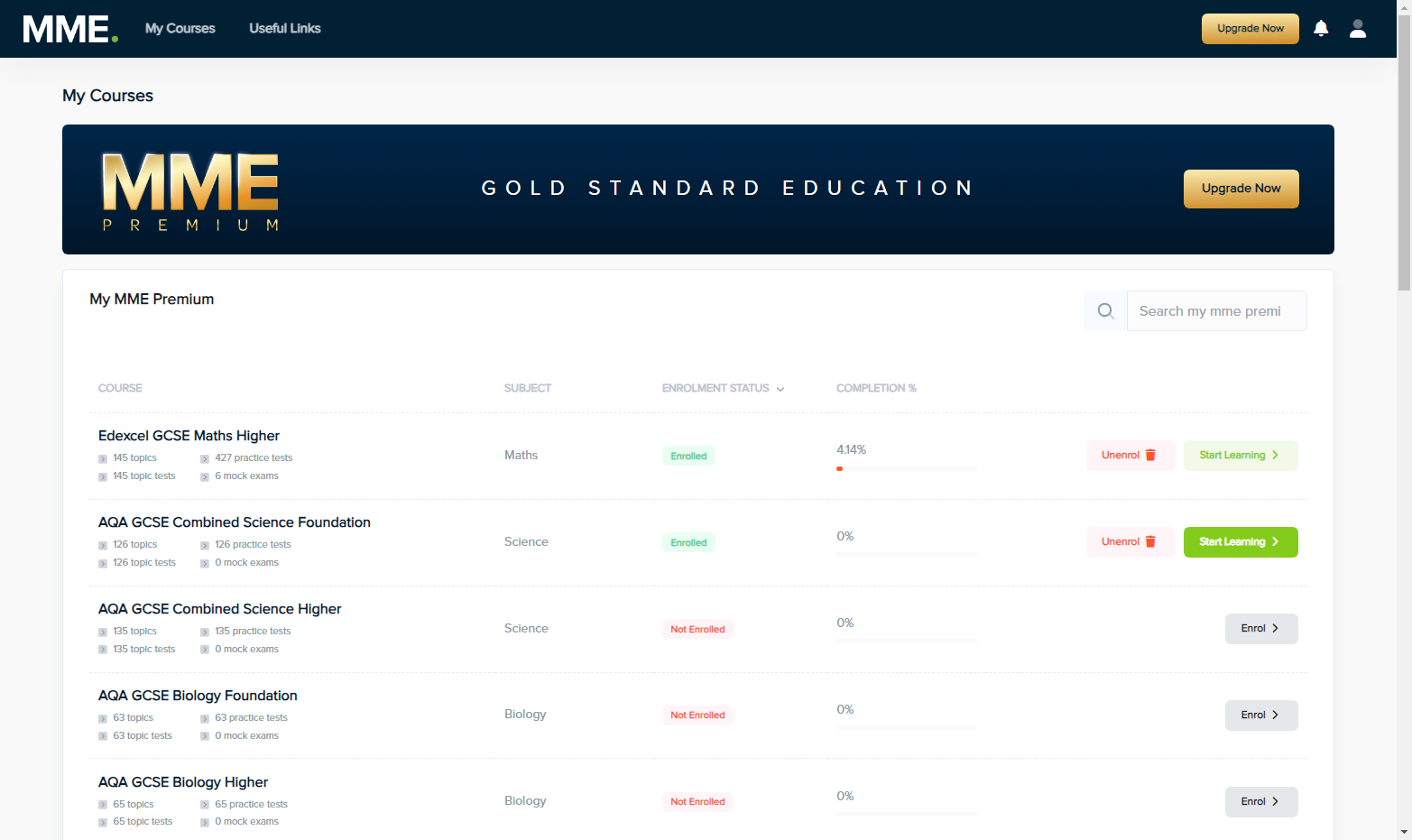
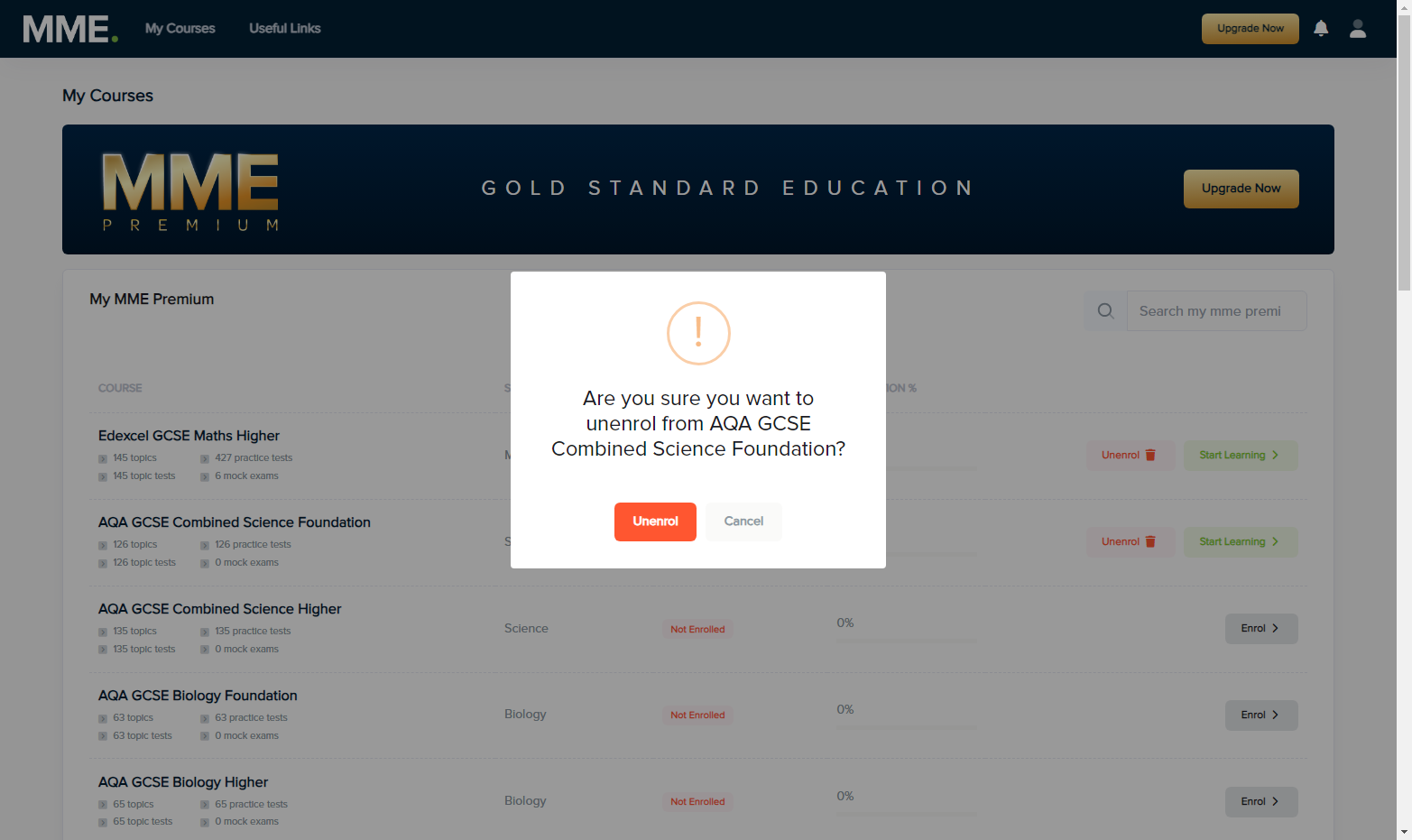
4. To unenrol from a course, click the unenrol button for that specific course.
5. Confirm your unenrollment by clicking unenrol when shown this message.